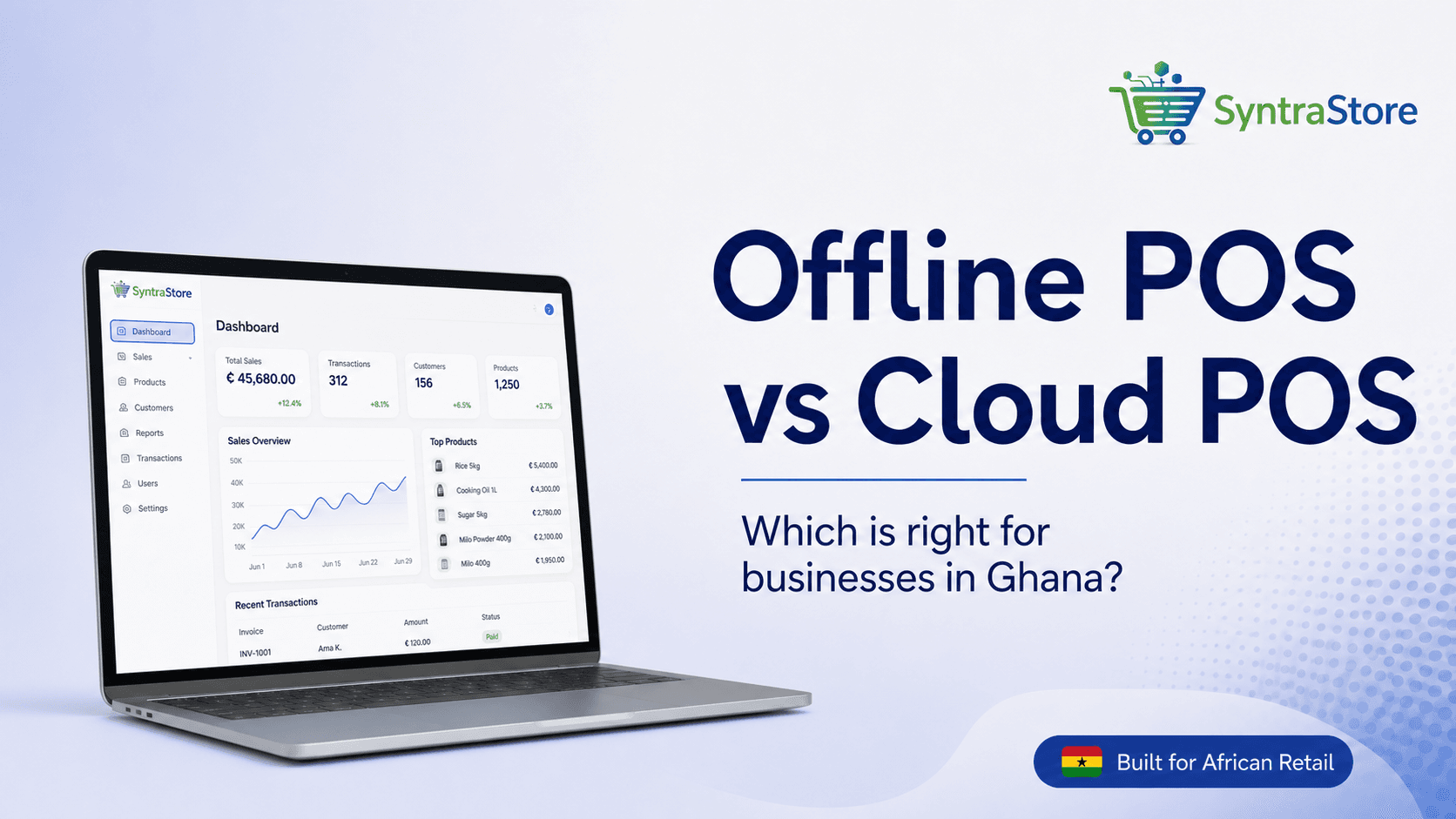
The African Connectivity Dilemma
Picture this: It's 5:30 PM on a Friday. Your shop is packed with customers. Suddenly, your internet drops or a transformer blows.
If your POS relies 100% on the cloud, checkout stops. Customers get frustrated and leave.
This is the reality for thousands of businesses across Africa. So which should you choose — Offline Desktop POS or Cloud Web POS?
What is an Offline Desktop POS?
An Offline POS is installed on your computer. Product data, customers, and transactions are stored locally on your hard drive.
Advantages
- Zero dependence on internet — sell with 0% data
- Instant speed — no loading spinners
- LAN multi-terminal — connect cashiers over local Wi-Fi
Disadvantages
- Fixed to the local device unless synced
- Needs backup if not connected to auto-sync software
What is a Cloud Web POS?
A Cloud POS runs in a browser or mobile app. Data is sent instantly to secure remote servers.
Advantages
- Access anywhere — check sales from home or on your phone
- Zero installation — open the browser and start selling
- Automatic backups — never lose data if a laptop breaks
Disadvantages
- Needs continuous internet
- Slow internet means slow checkout lines
The SyntraStore Hybrid Solution
Why choose one when you can have both?
- Desktop POS for checkout counters that runs 100% offline
- Cloud Sync that uploads sales whenever internet returns
- Web Dashboard so owners can view reports from anywhere
Whether MTN data goes down or ECG turns off power, SyntraStore keeps your business running.
Ready to take control of your stock?
SyntraStore gives you offline POS, inventory alerts, MoMo, and daily SMS reports — built for Ghana.
Start free 30-day trial
Written by
Benneh Adam
Founder & Lead Developer
Ghanaian software engineer building practical tools for African retailers, pharmacies, and restaurants.